Design the invitation first
A film can decide what the viewer sees next. An augmented reality experience gives some of that control to the person using it. They may move the phone, change their viewpoint or interact with something in their own space. The opening needs to make that invitation understandable.
Start with the action you want someone to take. Is it placing a digital world, exploring a scene or triggering a character? A clear first step matters more than showing every possible feature at once. The experience should give the person a reason to continue and enough feedback to know what happened.
Consider the physical setting
AR combines digital content with a view of the real world. That means the design has to account for variation in the surrounding space, lighting and the way a phone is held. A carefully staged marketing image is not the only situation the finished work will encounter.
Think about scale and readability. A character may look impressive at one size and unclear at another. Important actions need to be visible from the likely viewpoints. The experience should be tested in representative conditions, with the intended devices and implementation.
Animation can explain interaction
Movement can show that an object has been selected, an action has succeeded or a character is inviting attention. Those moments are part of the interface as well as the visual experience. They should respond clearly without making the person wait through unnecessary decoration.
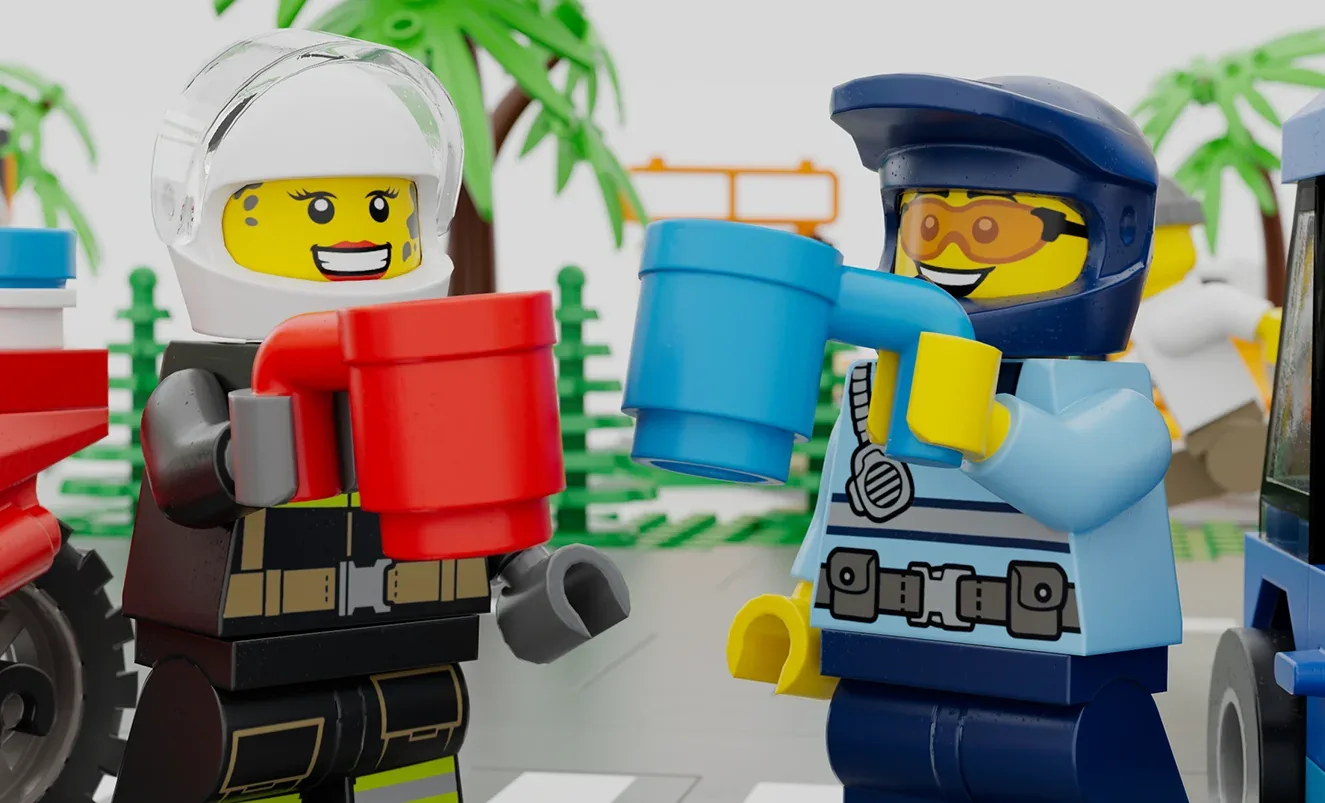
Move’s LEGO City project lets players arrange roads and buildings and see their creation spring into action. The Nintendo and LEGO Super Mario project brings an interactive course into the player’s space. These examples show how animation can sit within participation rather than a fixed sequence.
Plan the experience as a whole
Story, design, animation and technical implementation need to fit together. A beautiful scene may not be appropriate if it is difficult to navigate or demands more than the target device can support. Agree performance and delivery requirements early, then test the essential interaction before polishing every detail.
Also decide how the experience begins and ends. A person should understand how to enter, what is available to do and how to leave or try again. Clear instructions are part of the creative work, not an admission that the idea has failed.
The useful AR brief describes what the audience will do, not only what they will see. From there, animation can give feedback, personality and delight to the interaction. The aim is to make the digital world feel worth exploring in the real space around it.